Showing posts with label project 52/365. Show all posts

Friday, January 27, 2017

DDD New Release and PL Update and a News

Hey all! It's Friday and it's New Release Day. Here are some of Dandelion Dust Design's new release at Gingerscraps.


It's available exclusively ate gingerscraps and is 33% off now.


I made a few PL pages using the app but I also add a card of my own to include the qr code I have. Weeks 2 and 3 here. I haven't finished my 2016 yet, I'm still making some adjustments and retouches on my pages. Hopefully would be able to finish them and send them to the press to be booked. I'm egzoiteeed!


I also have a news for you. I'll be CT-ying for Pixelily Designs this year. Have you seen her kits and templates? They're all gorgeous! I'm so grateful that she chose me as one of her new CT team this year :) Visit her store and her Facebook page. I'll see you again later this week. Happy scrapping!


 photo dec2014siggy_zpsf33d567c.png

Monday, March 14, 2016

Catching Up With Project Life

The past two weeks had been crazy with my daughter's last quarterly exam and all. But thank God I am able to catch up with everything project life using the app. Life has been soooo easy with the app. Here are some of my layouts so far. Oh, if you're wondering where my first weeks were, they're in my SSD gallery. These are layouts I made so far using the PL app.


I just can't resist a cluster or two so...  :)
 photo dec2014siggy_zpsf33d567c.png

Wednesday, March 2, 2016

Project Life Android App

Hi!!! Yes I'm still alive (hehe). I haven't been very active on my blog lately, I'm still in the process of digesting all the things I'm doing, and one of them is Project Life. I know that all of you knew about the Project Life Android which launched in leap day (yiiiiiiiiiiiii!!!!!!!!) I was just sooooo excited and thankful to becky Higgins and company, for making an android version of project life. For years android users have been asking when it would release and now, my!!!!! I'm so hooked! I used to use the ios version but when i realized that it was hard for me to PL on my iPhone 4s because of the size of the screen, I opted out to doing it in photoshop, which I'm also enjoying. But being a full time mom, sometimes it's hard to wait for my photos to transfer to dropbox then scrap a two page spread. Or I'm just that lazy? Ehehehe. In photoshop, I was able to finish up to Week 3 of my project 52. But yesterday when I downloaded the app, I managed to finish two and a half weeks! So convenient since I use my phone 90% of the time to take photos. And I really, rally want to do pl this year even thogh I know that I will be behind. So here's what I do:

1. First, I saved the week numbers in my dropbox so i could use it when I make my layout in the app.


Please take note that the pages that I saved from the app only have the gray background, my blog theme happens to put a white layer on every photo I upload. But on the next photo at #2, there's an off white background under the gray background.


2. After I save the 12x12 printable version in the dropbox, I open the page on my desktop so I could edit in photoshop. I like to add a cluster or two and some button on my pages and also the journaling because I want the alignment to be justified.

P.S. The app will give you choices to save in 8x8 or 12x12 but if you check the page on your computer, it is just 2760 x 2760 in 72dpi which supposed to be 3600 x 3600. Anyway, I hope it will still print nicely.


Here's my finished layout. I just can't live without a cluster or two, for now. But I am okay with using cards only on each rectangles (my, what do you even call that?!). If you will compare this on my first weeks, these are really simpler and more neat no? And I like it.


 photo dec2014siggy_zpsf33d567c.png

Tuesday, April 28, 2015

Everyday Quotes #2

Good afternoon :) I have a new freebie for you all. Everyday card #2 in 4x3 cards. I hope you can use it on your projects or layouts. Have a great day and Happy Scrapping!!!!


Download here.


 photo dec2014siggy_zpsf33d567c.png

Tuesday, April 14, 2015

Everyday Quotes #1

Hey there! I have something for you all today. I have compiled a few quotes that you can use for your pocket scrapping. I'm using these on my daughter's photobooks and now I'm sharing them with you. Happy scrapping :)


Download here.


 photo dec2014siggy_zpsf33d567c.png

Thursday, July 25, 2013

Summer Blog Freebie

Happy afternoon! I have made a freebie for the project lifers, 365 & 52's out there. I hope it can be of use to you. Have fun!


Download here.

Wednesday, January 23, 2013

A New Layout & A Birthday Freebie

Hey there! Oh my! How time flies! Today is my birthday and I will be celebrating with my family. This is the most wonderful birthday that I will be having so far. I have a lot of things to be thankful of, and that I lift up to the Lord.

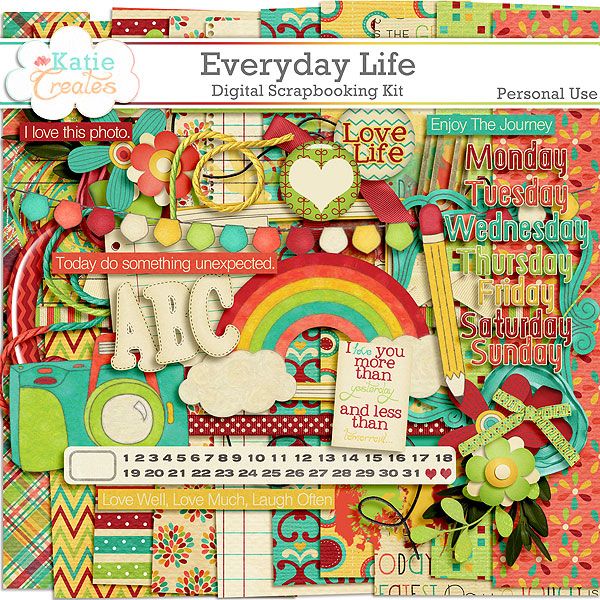
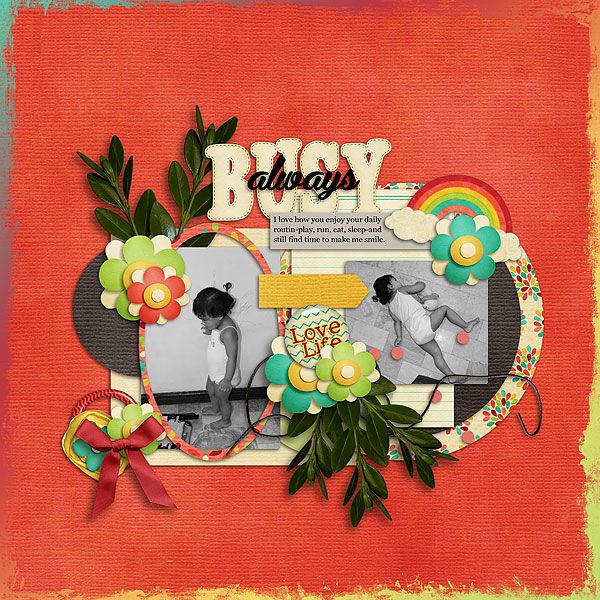
And here I am sharing to you a layout I made using Everyday Life by Katie Creates available at Scrapping Fairytales. The kit has 1 upper case alpha, 17 papers and 65 elements to help you scrap your Project 365/52 and/or even your everyday photos.


And here's my layout. I used an LGFD template freebie.

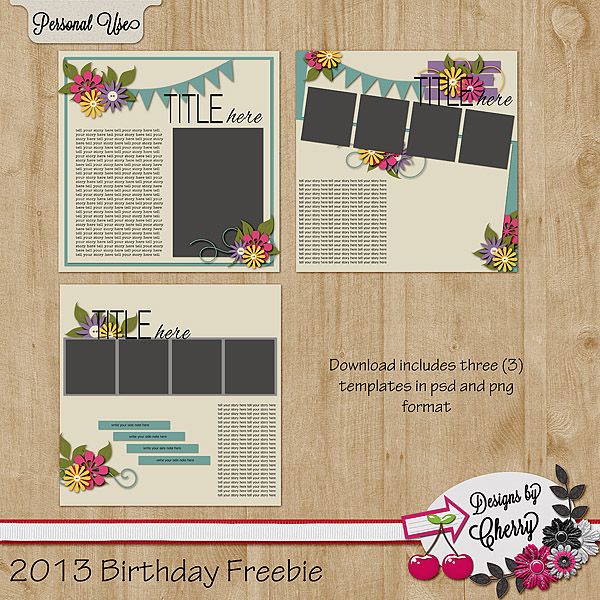
And because it's my birthday today, I have here a freebie for all of you. One template pack called Tell Your Story. But please download it fast for the link will only be up until the 31st of this month. And pardon me, I don't have these files converted to tiff format. I haven't installed my ps on my desktop yet. I hope you enjoy your day too. Happy scrapping!!

*sorry download expired*

Tuesday, January 22, 2013

Project Life 365 And Some Great Tips I've Collected From The Web

How is every body doing so far with their Project Life or Project 52/365? So far I'm in my fourth week now. I took these photos using my iphone. Yeah I know, I'm so lazy picking up my camera. I blame it on my computer. I'm still not used to my desktop. And I still have this weird feeling about my ehd. I think it might fail me again :( Well anyway, my iphone is very handy after all. And I can camouflage and pretend that I'm not taking photos of my kid, strangers, food at the diners etc. Tee hee!!

As I surfed the world wide web, I found a lot of tips and tricks on how to complete your Project with pride and less stress. I trimmed them down into 5 points. This might work for you.

1. There will be days when you might NOT have photos taken. Yep, that's the reality. You can use an alternative. Like journaling with no photos at all. Those that are used to their camera like me with get tired (too) of bringing their heavy equipment with them, use your phone.

2. You might skip some months, continue when you're ready. Yep, I've ready (I think) 4 blogs whose authors had this kind of skip problem. They say that it mostly happen when you're just starting. That might really happen to me and I have to ready myself :)

3. If one page is not enough, use a second page or a third page. Hey I love to tell a lot of stories that my daughter would want to hear or read someday about how we conquer this day.

4. Search the web for freebies. One blog author says that you don't need to buy all the Becky Higgins stuff, you can find free stuff just search on the internet and choose what's going to fit on your page.

5. You can use a support group. Include your family in the process of your project so they know what you are doing and they can even help remind you to take photos or finish your page :) This is my favorite part :) There's also an advice about joining a group of people doing the Project. I joined Project Life Support group on Facebook and I regularly read the Project Life 365 on Facebook too.

And I also use a couple of applications on my phone. I find them very useful.

1. Awesome Note (iphone app - free)
It's an all in one organizer from your to-do list to shopping and event checklist, calendar and daily journal. What I like about this one is that it is the same with my journal except that this one's on my phone :)

2. Evernote (iphone app - free)
I have this on my laptop, I have this on my desktop and I now have it on my phone. You can open this anywhere and anytime. Great for copy+paste of your documents, journaling, layouts from your desktop or laptop.

3. Collect: Photo A Day (iphone app - free)
There's a paid version of this called Day 1. I'm so tempted to buy it but I think this one is useful as the other one. It's an application for those collecting photos a day. You click on the date, add a photo, your caption or title and the detailed notes or journaling. You can also tag your photos.

4. QR Reader (iphone app - free)
There are TONS of QR reader in the application store for free. You just have to find what's right for you. What's this for? An additional instrument to rock your Project pages girls! You've seen a lot of pages with text messages scanned and added to their pages, why not include a video of your kids or husband, that's memorable you want them to check someday. Thanks to the genius minds!! :) I've included a QR Code on one of my page, it's the 'concert' of my 2 1/2 year old daughter. And I love how it looks.

I hope you learned something on this post. Happy scrapping with your Project!!

Thursday, January 17, 2013

Project Life 365 Week 1

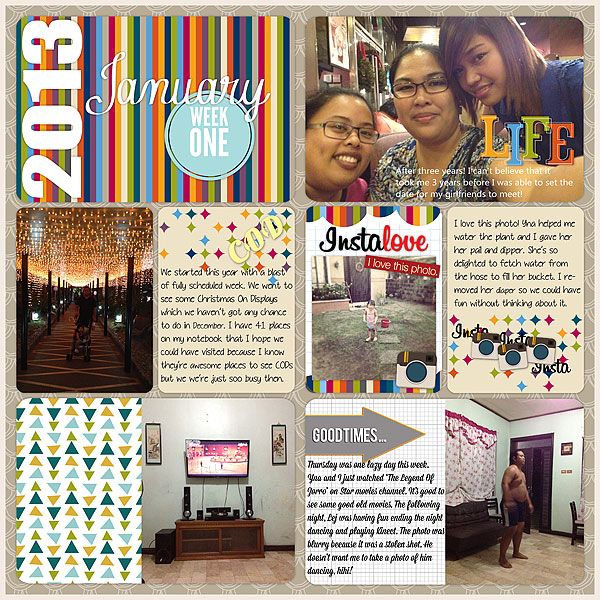
I'm late at posting my PL365 but here's my week 1. Whew! I survived week 1 *grin*


Happy scrapping!!

Tuesday, January 15, 2013

Project Life 365

Yep. I'm doing a Project Life 365 and I'm crossing my fingers that I would be able to finish what I started. Before December ends last year (wow), I was contemplating on whether to do a Project Life or Project 365/52. Then I got the idea from here. I'm doing a Project Life and at the same time completing my Project 365/52. There's so much I wanted to do with this right now but I want to be specific, neat, plain and simple. Here are the products that I will be using. I will also be using some templates I made.

Blogs that inspires me:


Product List:


ALL TEXT AND IMAGES ON THIS BLOG ARE PROPERTY OF MY LIFE ON SCRAPBOOKS UNLESS OTHERWISE STATED. DISCLAIMER: AS A MEMBER OF THE FOLLOWING CREATIVE TEAMS, I RECEIVE PRODUCTS FOR FREE IN RETURN FOR CREATING AND POSTING PROJECTS TO PROMOTE THEIR PRODUCTS. THANKS. Header and Siggy created using Showing Thanks by Blue Heart Scraps
Protected by Copyscape Online Plagiarism Detection